+1 Paint Keyboard Adventure Controls
PC, mobile, and console movement habits that help you paint keys, finish boards, and keep speed climbing.
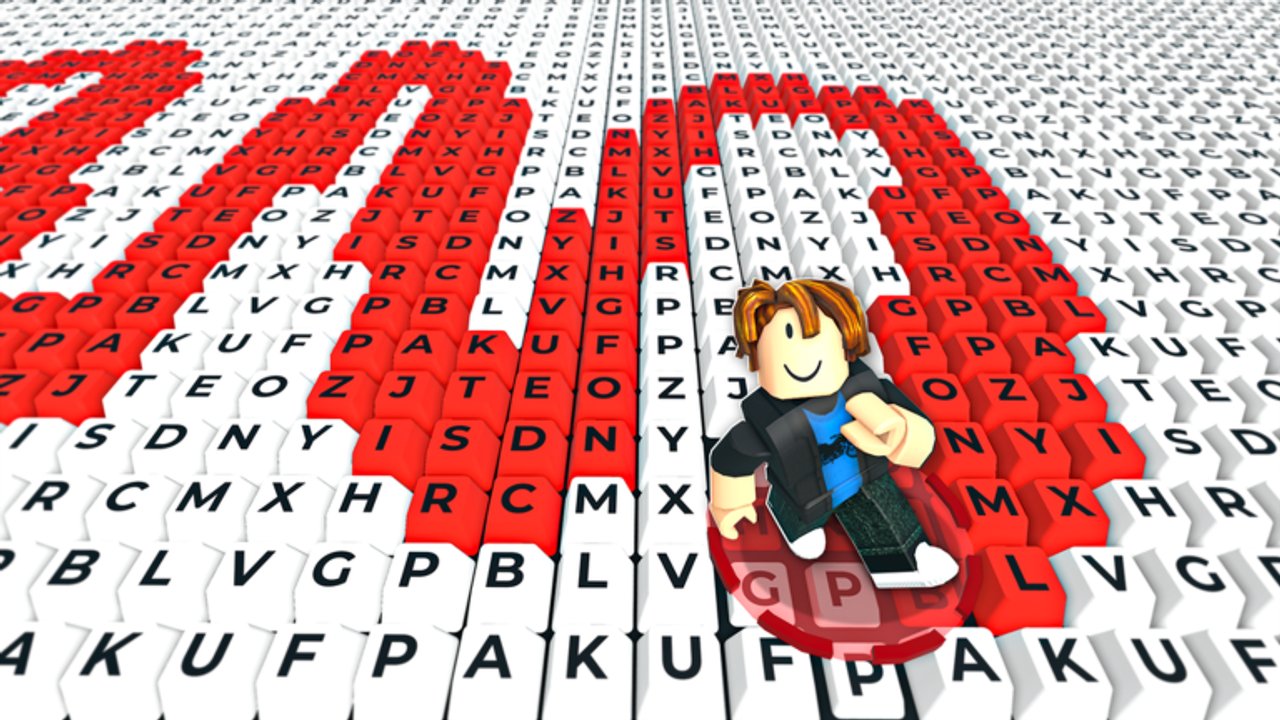
Players Hub — controls and movement
+1 Paint Keyboard Adventure is played entirely inside Roblox on PC, mobile, and console. There is no separate standalone client. Shared servers support up to 22 players, so you will share keyboard stages with others while you paint keys, ramp speed, bank wins, buy Range, and plan rebirths. This hub focuses on how you move and aim your paint radius — the skills that make every other guide work better.
Pair this page with Getting Started, How to Get Wins, Range Upgrades, and the Tier List Hub.
Core idea: coverage over panic sprinting
Every painted key makes you faster. That means wild sprinting through already-painted tiles helps less than sweeping unpainted keys inside your Range. Good players steer through fresh clusters, clip edges with their radius, and finish boards instead of looping empty space. When Range grows, widen your lines; when Range is small, take tighter S-curves across rows.
PC controls and tips
Roblox PC defaults usually mean:
- WASD or arrow keys to move
- Mouse to look / orbit as allowed by the experience camera
- Space to jump if stages need it
- Esc for Roblox menu; use in-game shop/UI buttons for upgrades and rebirth
PC habits that help:
- Keep the camera high enough to see several rows of keys ahead so you plan paint paths.
- Strafe along rows instead of bouncing randomly — straight lanes paint cleaner when Range is modest.
- After a Range upgrade, deliberately take wider arcs; your old narrow route underuses the new radius.
- When a keyboard is nearly done, prioritize the last unpainted pockets before you chase speed sensation.
- Use shift-lock or your preferred camera mode only if it improves steering; consistency beats flashy camera spins.
Mobile controls and tips
On phones and tablets you typically get a virtual joystick and camera drag.
Mobile habits that help:
- Play in landscape for a wider view of the keyboard.
- Lower graphics slightly if frame rate dips — smooth steering paints more keys than max settings with stutter.
- Thumb the joystick in gentle curves; twitch flicks leave unpainted gaps that cost a second lap.
- Zoom the camera out when safe so you can see the win path and unfinished regions.
- Take short sessions seriously: one clean completed board beats three messy partial clears.
Because touch aiming is less precise than mouse, Range upgrades are even more valuable on mobile — a larger radius forgives imperfect lines. Read Range Upgrades before you spend wins on comfort purchases.
Console via Roblox
Console players use the Roblox app/game with controller sticks for move/look. Treat stick acceleration gently on dense keyboards. Prefer Range growth and board completion over relying on maximum stick deflection the entire time. If the UI is harder to click with a controller, pause in a safe spot before opening upgrade or rebirth menus so you do not walk off a productive path.
Multiplayer awareness (max 22 players)
You share space with others. Crowding can hide unpainted keys or block your view of the finish. Tips:
- Pick a lane or quadrant and clear it systematically.
- Do not assume someone else will finish the board for you — bank your own contribution toward the clear.
- After a rebirth, you may feel slow again; stay disciplined with routes while Range and paint speed recover (How to Rebirth).
Linking movement to progression
| Goal | Movement focus | Next read |
|---|---|---|
| Faster early speed | Paint new keys constantly | Getting Started |
| More wins | Finish boards, cut empty laps | How to Get Wins |
| Stronger passes | Buy Range, widen routes | Range Upgrades |
| Break plateaus | Rebirth at the right time | How to Rebirth |
| Priority order | S/A/B upgrade ranks | Tier List Hub |
Scripts, codes, and honesty
Movement skill still matters if you use automation — bad pathing scripts waste servers. Feature lists and warnings are on the Scripts Hub. Promo codes remain unverified as of October 2026 on the Codes Hub. Track patches on the Updates Hub. Official Roblox place and NoYep Games group links are on the Links Hub. Lightweight planning prompts sit on Tools.
Master clean routes on your device, let Range multiply your mistakes away, and finish keyboards every session. That is the player-skill layer of +1 Paint Keyboard Adventure.
Frequently Asked Questions
Quick answers to the most common questions.
What platforms can I play on?
Roblox on PC, mobile, and console. The game is free-to-play with online shared servers up to 22 players.
What is the most important movement tip?
Steer through unpainted keys inside your Range instead of sprinting over already-painted tiles. Coverage raises speed.
Is mobile harder than PC?
Touch steering is less precise, so prioritize Range upgrades and wider, smoother curves. See Range Upgrades.
Do I need scripts to move well?
No. Manual route discipline works. Scripts are optional and risky — read the Scripts Hub before using any.
Where do I learn the full game loop?
Start with Getting Started and the Guides Hub.